
Colors
In VoxelAI Studio, a voxel doesn’t store a raw color — it stores a material id. Each Model carries a small palette of materials, and every voxel points at one of them. Recolor a material and every voxel using it updates at once.
What a material is
Section titled “What a material is”Each material has an id, a name, a base color, and physically-based rendering (PBR) properties:
| Property | Description |
|---|---|
hex / color | The base color of the material. |
roughness | How matte (1) vs glossy (0) the surface is. |
metallic | How metallic the surface reads (0–1). |
emissive | Whether the material glows. |
emissiveIntensity | How strongly it glows. |
These are the same fields returned by the
/api/generate/roblox
palette and stored in saved projects, so what you see in the editor matches what
an integration receives.
Working with the palette
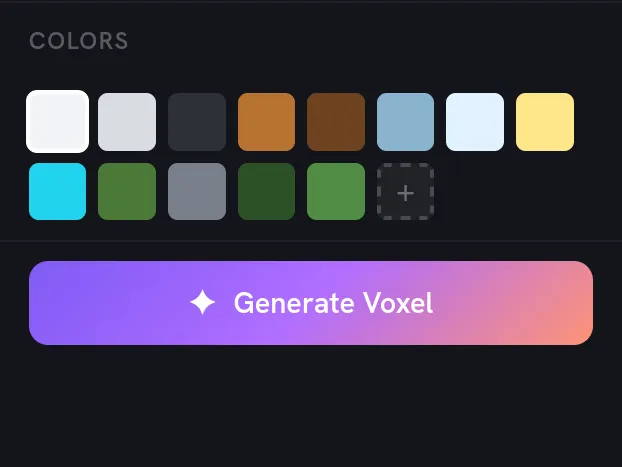
Section titled “Working with the palette”The selected model’s materials appear in the Properties panel. From the Materials list you can:
- Pick a material to paint with.
- Right-click a swatch to copy its hex code, or select every voxel using that color at once.
Because the AI assigns materials as it builds, a generated model arrives with a sensible, named palette you can tweak rather than a flat block of one color.