Free
$0forever
6 tokens, then 4/mo
Start freeAI voxel generator
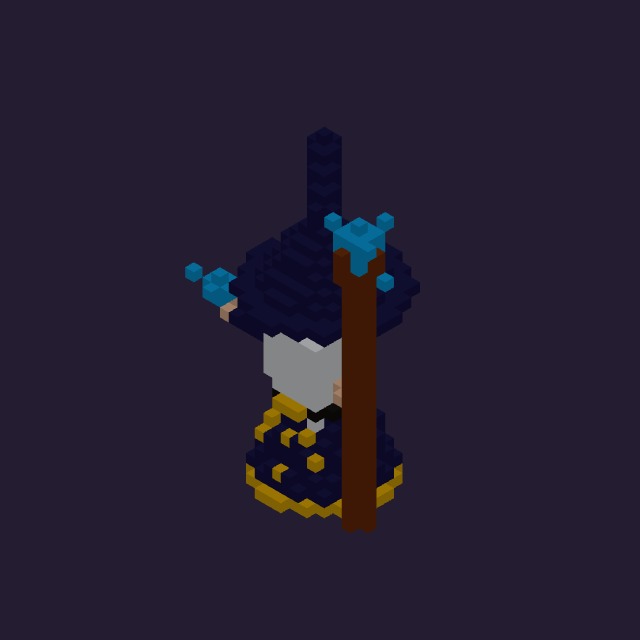
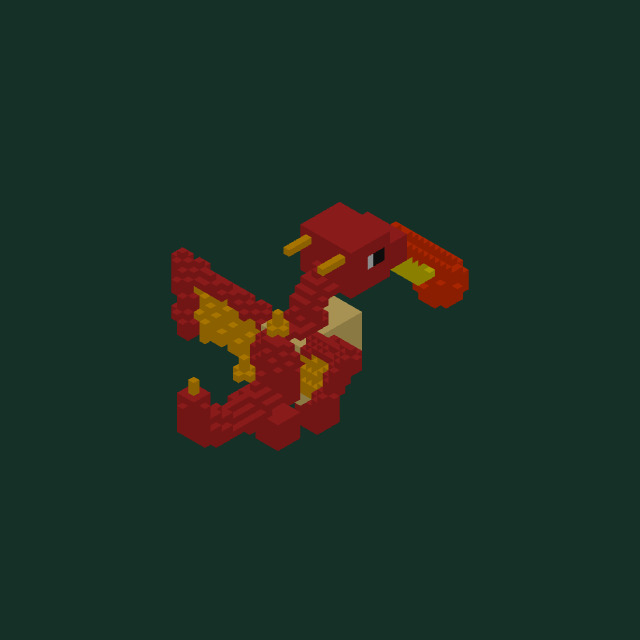
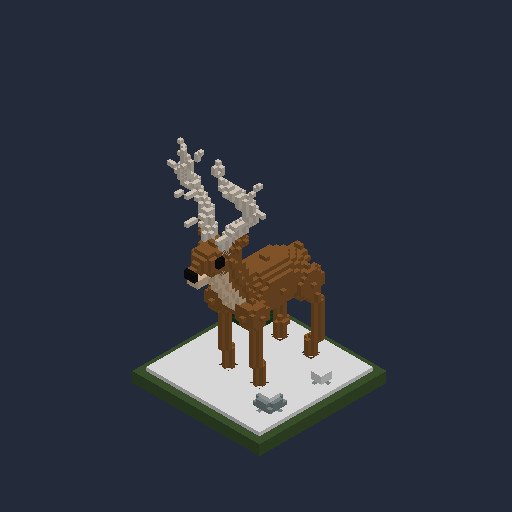
A sentence is enough. “A little blue city car.” The AI builds it as a game-ready 3D voxel model you can keep editing.
Layers
The agent builds the way an artist would — wheels, doors, hood, glass, roof — each part on its own named layer, so it comes apart cleanly.
Blocks
Not a render, not a mesh soup. A clean voxel project you can select, repaint and rebuild in the free editor.
Ship
Auto-rig it, animate it, export GLTF · GLB · OBJ · .vox for your engine of choice.
Start building free →Scroll to explode ↓
Edit
The AI hands you a real project, not a picture. Open it in the free browser editor: paint, extrude, mirror, select by layer, undo anything.

Animate & export
One click auto-rigs a character so you can pose and animate it. Then export for the engine you already use.
From your tools
Add the VoxelAI Studio plugin to Roblox Studio and open it from the Plugins tab.
The plugin shows a short code. Approve it at voxelai.studio/link — no passwords in Studio.
Type a prompt. The same AI builds it and the model drops into your place as Parts.
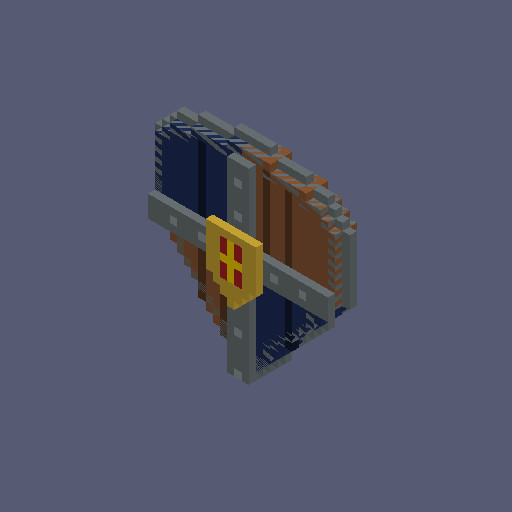
curl https://voxelai.studio/api/generate/roblox -H "Authorization: Bearer $VOXEL_TOKEN" -H "Content-Type: application/json" -d '{ "prompt": "a rustic wooden treasure chest" }'Returns the finished model as JSON — a flat voxel list plus its material palette. Same agentic build as the web app; 3 tokens, refunded on failure. Self-serve API keys are rolling out — ask for early access.
Read the API reference →Pricing
$0forever
6 tokens, then 4/mo
Start free$8$6.50CAD / mo
320 tokens / month
Choose Builder plan$18$15CAD / mo
720 tokens / month
Choose Pro plan$49$33CAD / mo
2,000 tokens / month
Choose Creator planLearn
This guide covers the process of thought that goes into generating good looking assets with AI, For people interested.
Learn how voxel circles work on a 3D grid, with copy-ready block charts for every radius and a free generator for hollow circles, discs, and rings.
Compare the best voxel tools for game devs — MagicaVoxel, Goxel, Qubicle, and VoxelAI Studio: what each does well, where it falls short, and how to choose.
Tokens pay for AI work. Building a model costs 3 tokens and an AI auto-rig costs 2. Tokens are taken when you start and refunded automatically if a build fails, comes back empty or is cancelled. Editing, saving and exporting are always free.
Models export to GLTF, GLB, OBJ and MagicaVoxel .vox. Whole scenes export to .vox with their layer hierarchy intact. FBX export is in progress.
Yes. The AI builds with the editor's own tools, so you get a real layered voxel project — not a baked mesh. Select, repaint, add or remove blocks, and keep going in the free browser editor.
Yes. GLTF, GLB and OBJ import into Unity, Unreal and Godot. For Roblox, the VoxelAI Studio plugin builds models straight into Roblox Studio as Parts.
Yes. You own what you generate and can use it in personal and commercial projects, as set out in our Terms.
Yes, in one click from Billing in your profile. Your plan stays active until the end of the period you've paid for, and you can resume before then.
Yes. Every new account gets 6 tokens, then 4 more every month, with full editor access and .vox downloads. No card required.
Assemble something.
Open the generator →Cookies & analytics
This website uses cookies for basic analytics to understand how people use VoxelAI Studio and improve it over time. Your data is never sold or shared with third parties.Privacy policy · Terms